


 9to5Mac
 Apple @ Work: Password Utility solves the FileVault reboot headache for remote Macs
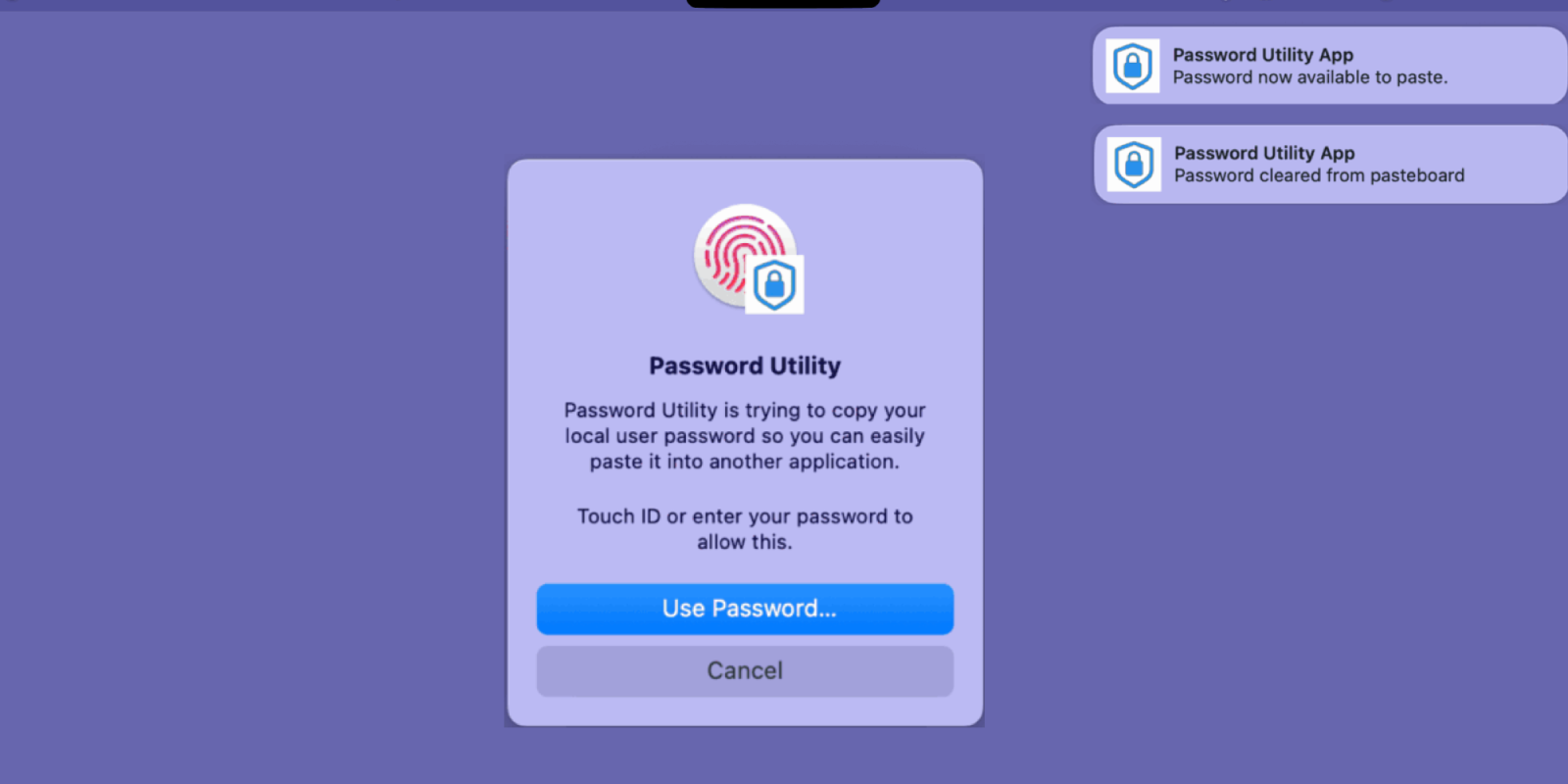
Apple @ Work is exclusively brought to you by Mosyle , the only Apple Unified Platform. Mosyle is the only solution that integrates in a single professional-grade platform all the solutions necessary to seamlessly and automatically deploy, manage & protect Apple devices at work. Over 45,000 organizations trust Mosyle to make millions of Apple devices work-ready with no effort and at an affordable cost. Request your EXTENDED TRIAL today and understand why Mosyle is everything you need to work with Apple . If you have managed Macs with remote work for any length of time, you know the specific sense of issue that comes with having to restart. You have a long wait for the screen-sharing part to come back online. The problem isn’t the network. The problem boils down to FileVault. When a modern Mac reboots, it shows a pre-boot macOS login screen that is not yet fully connected to the network or has not yet loaded the full OS. It is encrypted, secure, and completely unreachable until someone physically types a password. For IT folks managing a fleet of devices in various locations, this is a nightmare. Twocanoes Software has a tool called Password Utility that finally fixes this annoyance, and for $10 a year, it belongs on every Apple Silicon Mac you manage remotely. I found this tool because I recently had this issue with a Mac I manage so I went searching for a solution. more…