


Lay’s uses WhatsApp to create a group chat for World Cup fans
Lay’s is using WhatsApp to mimic the group chat during the World Cup, engaging fans and building first-party data.
Lay’s is using WhatsApp to mimic the group chat during the World Cup, engaging fans and building first-party data.
Ulta Beauty will soon launch on TikTok Shop.

See the Moon phase expected for March 16, 2026 as well as when the next Full Moon is expected.

LinkedIn's feed reaches more than 1.3 billion members — and the architecture behind it hadn't kept pace. The system had accumulated five separate retrieval pipelines, each with its own infrastructure and optimization logic, serving different slices of what users might want to see. Engineers at the company spent the last year tearing that apart and replacing it with a single LLM-based system. The result, LinkedIn says, is a feed that understands professional context more precisely and costs less to run at scale. The redesign touched three layers of the stack: how content is retrieved, how it's ranked, and how the underlying compute is managed. Tim Jurka, vice president of engineering at LinkedIn, told VentureBeat the team ran hundreds of tests over the past year before reaching a milestone that, he says, reinvented a large chunk of its infrastructure. “Starting from our entire system for retrieving content, we've moved over to using really large-scale LLMs to understand content much more richly on LinkedIn and be able to match it much in a much more personalized way to members,” Jurka said. “All the way to how we rank content, using really, really large sequence models, generative recommenders, and combining that end-to-end system to make things much more relevant and meaningful for members.” One feed, 1.3 billion members The core challenge, Jurka said, is two-sided: LinkedIn has to match members' stated professional interests — their title, skills, industry — to their actual behavior over time, and it has to surface content that goes beyond what their immediate network is posting. Those two signals frequently pull in different directions. People use LinkedIn in different ways: some look to connect with others in their industry, others prioritize thought leadership, and job seekers and recruiters use it to find candidates. How LinkedIn unified five pipelines into one LinkedIn has spent more than 15 years building AI-driven recommendation systems, including prior work on job search and people search . LinkedIn’s feed, the one that greets you when you open the website, was built on a heterogeneous architecture, the company said in a blog post . Content fed to users came from various sources, including a chronological index of a user’s network, geographic trending topics, interest-based filtering, industry-specific content, and other embedding-based systems. The company said this method meant each source had its own infrastructure and optimization strategy. But while it worked, maintenance costs soared. Jurka said using LLMs to scale out its new recommendation algorithm also meant updating the surrounding architecture around the feed. “There’s a lot that goes into that, including how we maintain that kind of member context in a prompt, making sure we provide the right data to hydrate the model, profile data, recent activity data, etc,” he said. “The second is how you actually sample the most meaningful kind of data points to then fine-tune the LLM.” LinkedIn tested different iterations of the data mix in an offline testing environment. One of LinkedIn’s first hurdles in revamping its retrieval system revolved around converting its data into text for LLMs to process. To do this, LinkedIn built a prompt library that lets them create templated sequences. For posts, LinkedIn focused on format, author information, engagement counts, article metadata, and the post's text. For members, they incorporated profile data, skills, work history, education and “a chronologically ordered sequence of posts they’ve previously engaged with.” One of the most consequential findings from that testing phase involved how LLMs handle numbers. When a post had, say, 12,345 views, that figure appeared in the prompt as "views:12345," and the model treated it like any other text token, stripping it of its significance as a popularity signal. To fix this, the team broke engagement counts into percentile buckets and wrapped them in special tokens, so the model could distinguish them from unstructured text. The intervention meaningfully improved how the system weighs post reach. Teaching the feed to read professional history as a sequence Of course, if LinkedIn wants its feed to feel more personal and posts reach the right audience, it needs to reimagine how it ranks posts, too. Traditional ranking models, the company said, misunderstand how people engage with content: that it isn’t random but follows patterns emerging from someone’s professional journey. LinkedIn built a proprietary Generative Recommender (GR) model for its feed that treats interaction history as a sequence, or “a professional story told through the posts you’ve engaged with over time.” “Instead of scoring each post in isolation, GR processes more than a thousand of your historical interactions to understand temporal patterns and long-term interests,” LinkedIn’s blog said. “As with retrieval, the ranking model relies on professional signals and engagement patterns, never demographic attributes, and is regularly audited for equitable treatment across our member base.” The compute cost of running LLMs at LinkedIn's scale With a revitalized data pipeline and feed, LinkedIn faced another problem: GPU cost. LinkedIn invested heavily in new training infrastructure to reduce how much it leans on GPUs. The biggest architectural shift was disaggregating CPU-bound feature processing from GPU-heavy model inference — keeping each type of compute doing what it's suited for rather than bottlenecking on GPU availability. The team also wrote custom C++ data loaders to cut the overhead that Python multiprocessing was adding, and built a custom Flash Attention variant to optimize attention computation during inference. Checkpointing was parallelized rather than serialized, which helped squeeze more out of available GPU memory. “One of the things we had to engineer for was that we needed to use a lot more GPUs than we’d like to,” Jurka said. “Being very deliberate about how you coordinate between CPU and GPU workloads because the nice thing about these kinds of LLMs and prompt context that we use to generate embeddings is you can dynamically scale them.” For engineers building recommendation or retrieval systems, LinkedIn's redesign offers a concrete case study in what replacing fragmented pipelines with a unified embedding model actually requires: rethinking how numerical signals are represented in prompts, separating CPU and GPU workloads deliberately, and building ranking models that treat user history as a sequence rather than a set of independent events. The lesson isn't that LLMs solve feed problems — it's that deploying them at scale forces you to solve a different class of problems than the ones you started with.

Wen-Yee Lee / Reuters : Micron completes the $1.8B acquisition of Powerchip's DRAM fab in Taiwan, and plans a second fab of similar scale with construction starting by the end of FY26 — U.S. memory chipmaker Micron Technology (MU.O) said on Monday it plans to build a second manufacturing facility in Taiwan …

The New York Times' latest game, Pips, brings domino fun to your desktop. How to play Pips as well as hints in case you get stuck.
The New York Times' latest game, Pips, brings domino fun to your desktop. How to play Pips as well as hints in case you get stuck.
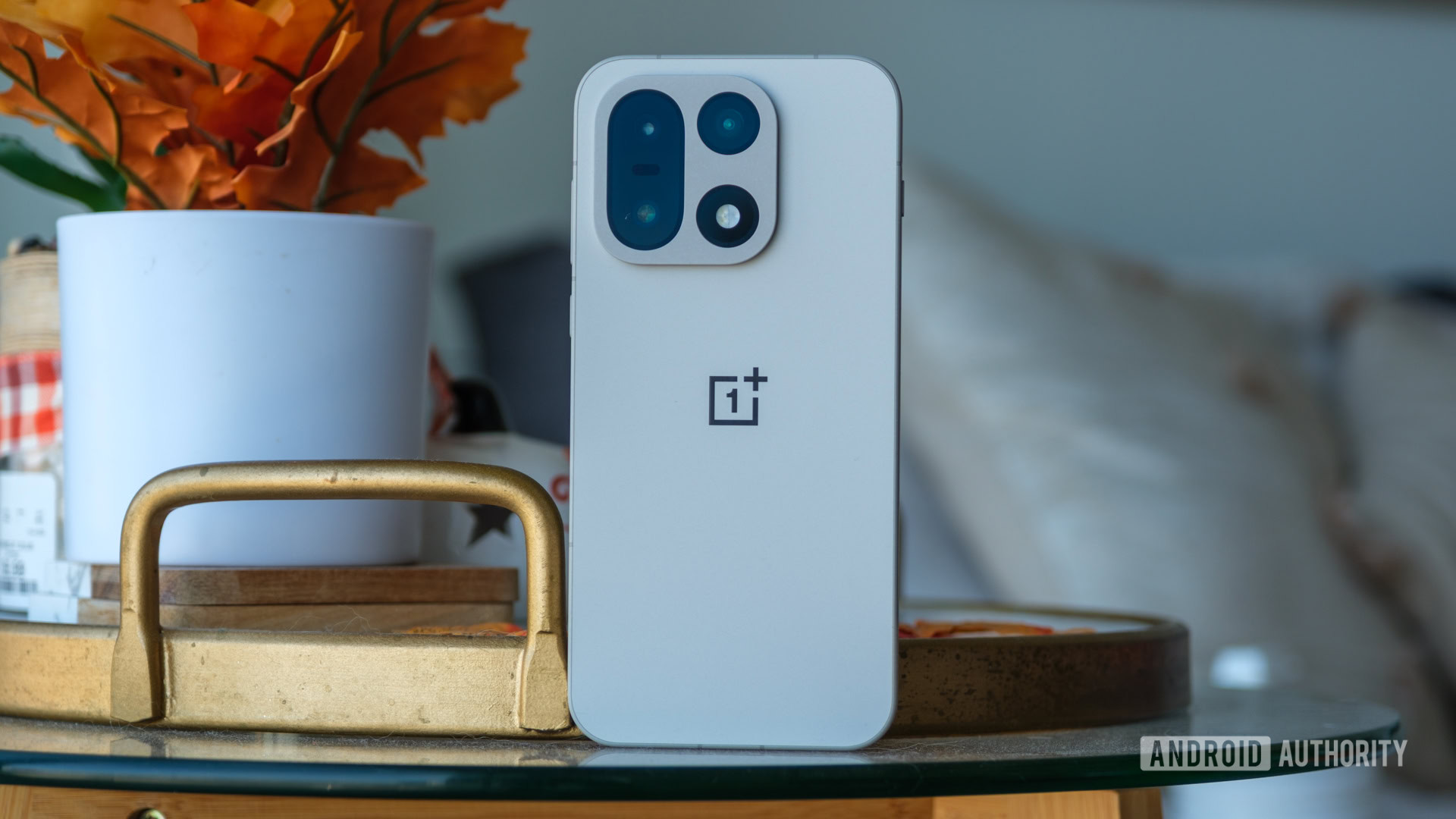
The company's Community app in the US appears to have been broken for days and is also suffering from a lack of updates.

The Oscars is being criticised for cutting off 'Kpop Demon Hunters' "Golden" acceptance speech for Best Music (Original Song).
The Oscars is being criticised for cutting off 'Kpop Demon Hunters' "Golden" acceptance speech for Best Music (Original Song).

The Oscars ended not with "One Battle After Another"s Best Picture win, but with a post-credits scene teasing the show's YouTube era.
The Oscars ended not with "One Battle After Another"s Best Picture win, but with a post-credits scene teasing the show's YouTube era.

Reuters : JD.com launches online marketplace Joybuy in the UK, Germany, France, the Netherlands, Belgium, and Luxembourg, as it expands globally to challenge Amazon — Chinese e-commerce giant JD.com (9618.HK) on Monday launched its Joybuy online marketplace in the UK, Germany, France, the Netherlands …

Connections: Sports Edition is a New York Times word game about finding common sports threads between words. How to solve the day's puzzle.
Connections: Sports Edition is a New York Times word game about finding common sports threads between words. How to solve the day's puzzle.

Connections is a New York Times word game that's all about finding the "common threads between words." How to solve the puzzle.
 Digiday
  Mashable
  VentureBeat
  Techmeme
  Android Authority