Tim Cook is only the seventh highest earning CEO in America

Tim Cook is only the seventh highest earning CEO in America

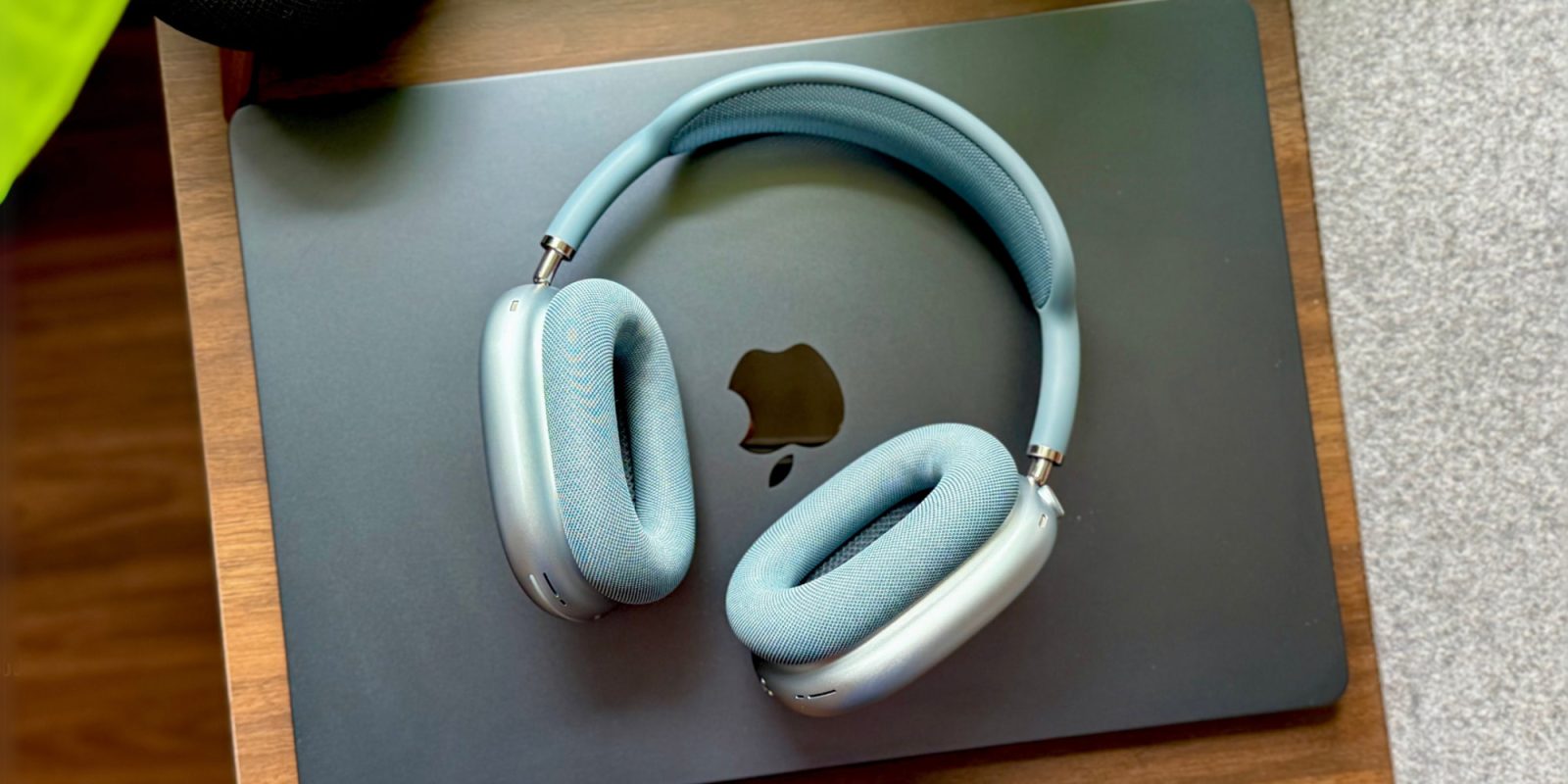
He made Apple into the world's first $4 trillion company, but Tim Cook's salary lags behind CEOs from Microsoft, Starbucks, Tesla, and others. Tim Cook seems to be taking his salary bravely — image credit: Apple It's not like your heart should bleed for Tim Cook, since he's not exactly on minimum wage. Also, if you are going to get your company up to a $4 trillion market cap, you're not going to be an honorarium. Plus, now even though Fortune magazine puts Cook's 2024 take-home pay at $74.6 million, no one's salary seems large — not compared to Elon Musk. While it's tied to a deal that will take years to complete, Tesla shareholders recently voted to pay him $1 trillion . Continue Reading on AppleInsider | Discuss on our Forums

LG smart TV owners say a webOS update pinned Microsoft Copilot to TV home screens, with no apparent way to remove the app; LG unveiled an AI TV strategy at CES (Luke James/Tom's Hardware)

LG smart TV owners say a webOS update pinned Microsoft Copilot to TV home screens, with no apparent way to remove the app; LG unveiled an AI TV strategy at CES (Luke James/Tom's Hardware)

Luke James / Tom's Hardware : LG smart TV owners say a webOS update pinned Microsoft Copilot to TV home screens, with no apparent way to remove the app; LG unveiled an AI TV strategy at CES —  Users report Copilot appearing after a recent software update, with no option to uninstall.  —  LG smart TV owners are reporting …

The day my power strip almost killed my PC

The day my power strip almost killed my PC

Welp, it finally happened. I was deep in the throes of a complex edit when I heard a crackling noise. It was faint at first… then it got louder. It wasn’t long before an unpleasant burning smell filled my office. The power strip underneath my desk was in the process of jumping ship and, in a panic, I shut down my PC and yanked out all the plugs. My power strip didn’t have surge protection, so I knew my electronics were in immediate danger. Fortunately, I was there when it happened and I was able to intervene before my electronics went kaput. But what if you’re not home? How do you spot the warning signs of a failing power strip before disaster strikes? Let’s get into it. The warning signs The most obvious signs are the ones I ran into myself (a weird sound plus an unpleasant smell). You should also get a close look at the power strip itself. If you can see damage on the strip, that’s usually bad news. Other signs include devices randomly losing power or an indicator light that refuses to turn on. Anker And whatever you do, don’t test a suspicious power strip on an electrical device you can’t afford to lose. You could risk destroying said electrical device. Further reading: 42 incredible tech accessories for a tricked-out home office Power strips vs. surge protectors — the real difference I feel it’s important to give a little more context here and explain the difference between surge protectors and power strips since they look identical. A basic strip is really just an extension cord with lots of outlets. It’s absolutely handy to have, but it doesn’t protect your stuff from an unexpected power surge. It’s fine for things like lamps and fans, but for computers and gaming consoles? Yeah, you’ll want a surge protector. A $10 surge protector is such a minuscule expense in the grand scheme of things. I’d rather pay $10 for peace of mind than replace my entire computer setup, which costs a heck of a lot more. Surge protectors, on the other hand, resemble power strips—at least on the outside! Inside, they’ve got special parts that soak up extra voltage in the event of a surge. Basically, it safeguards your electronics by taking the hit for them. Surges typically happen during lightning storms or when something big kicks on in your home like an air conditioning unit. Okay, so what should you do right now? If the power strip feels hot or looks weird in any way, just pull the plug… literally. Unplug your devices first, then unplug the strip from the wall outlet it’s connected to. Next thing is to get it away from anything flammable. I know this sounds dramatic, but it can spiral into a really dangerous situation, so it’s better to be overly cautious. Anker If you’re not sure whether the problem lies with your device or the strip itself, try plugging your device into a new power strip. If it turns out the power strip is the problem child, you’ll want to safely dispose of it. You can drop it off at a local recycling center as long as they accept electronics, or you can ring up your nearest Best Buy and see if they’ll take it off of your hands. Some retailers will accept small electronics for free. When to reset a strip (and when to toss it) If you’ve got a power strip with surge protection, it should have a tiny breaker button that pops out when something goes awry (usually if there’s an overload of some kind). If the button pops out, unplug a couple of devices and reset it. If it pops out again, the strip is probably done for and you should probably replace it. If the strip is warmer than it should be or it’s producing a bad smell, skip the reset and just replace the thing. Choosing a replacement without overthinking it A power strip should have a lot of outlets, full stop. That said, the number of outlets isn’t everything. What really matters is whether it offers surge protection . The first thing you should do is check the joule rating. The higher the number, the more protection it offers. Lesson learned I was really lucky to have been sitting at my desk when my power strip decided to jump ship. Most of the time, you may not notice the warnings. A $10 surge protector is such a minuscule expense in the grand scheme of things. I’d rather pay $10 for peace of mind than replace my entire computer setup, which costs a heck of a lot more. Even advanced surge protectors with tons of outlets and ports can be found for around $20. It’s money well spent.

Holiday stocking stuffer special: Get 4 AirTags for $69.99 (30% off)

Holiday stocking stuffer special: Get 4 AirTags for $69.99 (30% off)

Amazon continues to launch last-minute Apple deals in a bid for your business, with today's AirTag discount knocking 30% off the 4-pack. Grab a holiday special on AirTags at Amazon, with the 4-pack $69.99 - Image credit: Apple, Amazon The $69.99 price on a 4-pack of Apple AirTags is especially attractive, as it delivers a $30 discount off retail during the busy holiday travel season. Buy AirTag 4-pack for $69.99 Continue Reading on AppleInsider | Discuss on our Forums

iRobot files for Chapter 11 bankruptcy after increased competition & tariff woes

iRobot files for Chapter 11 bankruptcy after increased competition & tariff woes

Roomba maker iRobot has filed for bankruptcy protection and will change its ownership, but your robot vacuum cleaners will probably be fine. iRobot's Roomba, which will still work for a while at least. On Sunday, iRobot confirmed that it had commenced a pre-packaged Chapter 11 bankruptcy protection process. After warning its cash balance was running close to empty, it inevitably ran out, and has to fight for its survival. The third-quarter financial results in November confirmed the company was in trouble, with it having less than $25 million in cash and equivalents, as well as an almost $50 million drop in quarterly revenue. Continue Reading on AppleInsider | Discuss on our Forums

New Stranger Things trailer hints at what's next for our heroes

New Stranger Things trailer hints at what's next for our heroes

Warning: the following contains spoilers for part one of Stranger Things season five With just over a week to go until Netflix releases the next batch of Stranger Things episodes, the company has dropped a trailer for the second part of season five. The clip begins in the aftermath of the action-packed ending to the first bunch of episodes, with bodies and blazes surrounding Will as he says in a voiceover, "We failed. We never stood a chance." However, his mother Joyce tells him that, "This is not over. Not by a long shot." We learn in this trailer that some of the gang who were still in the Upside Down at the end of part one make it back to their own reality. However, it appears that we’re about to learn a whole bunch of new information about the deadly alternate dimension. Dustin says, "This whole time, everything we have ever assumed about the Upside Down has been dead wrong." In addition, the clip shows some of the heroes going on the offensive against a militarized area; Max and Holly making their way through the "mental prison" they're trapped in; Demodogs attacking the Hawkins hospital; and Eleven asking Eight to help her find and kill Vecna. There's also a death pact between Dustin and Steve, a look at an ominous new pulsating mass from the Upside Down and Vecna stating, "It is time for a new world." There's a lot going on in this trailer and we won't have to wait too much longer for the next three episodes. They will hit Netflix at 8PM ET on December 24. The finale will debut on December 31, also at 8PM. The last episode will also be shown in movie theaters . This article originally appeared on Engadget at https://www.engadget.com/entertainment/tv-movies/new-stranger-things-trailer-hints-at-whats-next-for-our-heroes-152327474.html?src=rss