


Samsung’s Smart Glasses Might Not Have to Do Much, Thanks to Meta
With Meta fumbling the bag on privacy, Samsung's "Galaxy Glasses" might be appealing by default.
With Meta fumbling the bag on privacy, Samsung's "Galaxy Glasses" might be appealing by default.

When OpenAI released GPT-5.4 at the start of March , the company said the new model was designed primarily for professional work like programming and data analysis. Now OpenAI is launching GPT-5.4 mini and nano, and while it is once again highlighting the usefulness of these new systems for tasks like coding, one of the new models is available to Free and Go users . What's more, that model, GPT-5.4 mini, even offers performance that approaches GPT-5.4 in a handful of areas. As a Free or Go user, you can access 5.4 mini by selecting "Thinking" from ChatGPT's plus menu. For paid users, the model is the new fallback for when you've hit your rate limit with 5.4 proper. OpenAI says 5.4 mini offers better performance than GPT-5.0 mini in a few different key areas, including reasoning, multimodal understanding and tool use. That means 5.4 mini is better at parsing non-text inputs such as images and audio, and has a more nuanced understanding of how to do things like search the web. It does all of this while running more than twice as fast as its predecessor. As for GPT-5.4 nano, OpenAI says it's ideal for tasks such as data classification and extraction where speed and cost-efficiency are top of mind. If you're a ChatGPT user, you won't find the new model in the chatbot. Instead, OpenAI is making it only available through its API service. The company envisions developers using more advanced models to delegate tasks to AI agents running GPT-5.4 nano, and that's reflected in the cost of the new model, which OpenAI has priced starting at $0.20 per million input tokens. This article originally appeared on Engadget at https://www.engadget.com/ai/gpt-54-mini-brings-some-of-the-smarts-of-openais-latest-model-to-chatgpt-free-and-go-users-170000585.html?src=rss

U.K. broadcaster Sky today added Disney+ to join HBO Max and Hayu in a single subscription.

All the ways to watch Man City vs Real Madrid live streams online – including for FREE – in the decisive 2025/26 Champions League 2nd leg at the Etihad.

Spider-Man 4 marks Tom Holland's next outing as the titular superhero — and he'll be joined by a host of famous faces in the MCU movie.
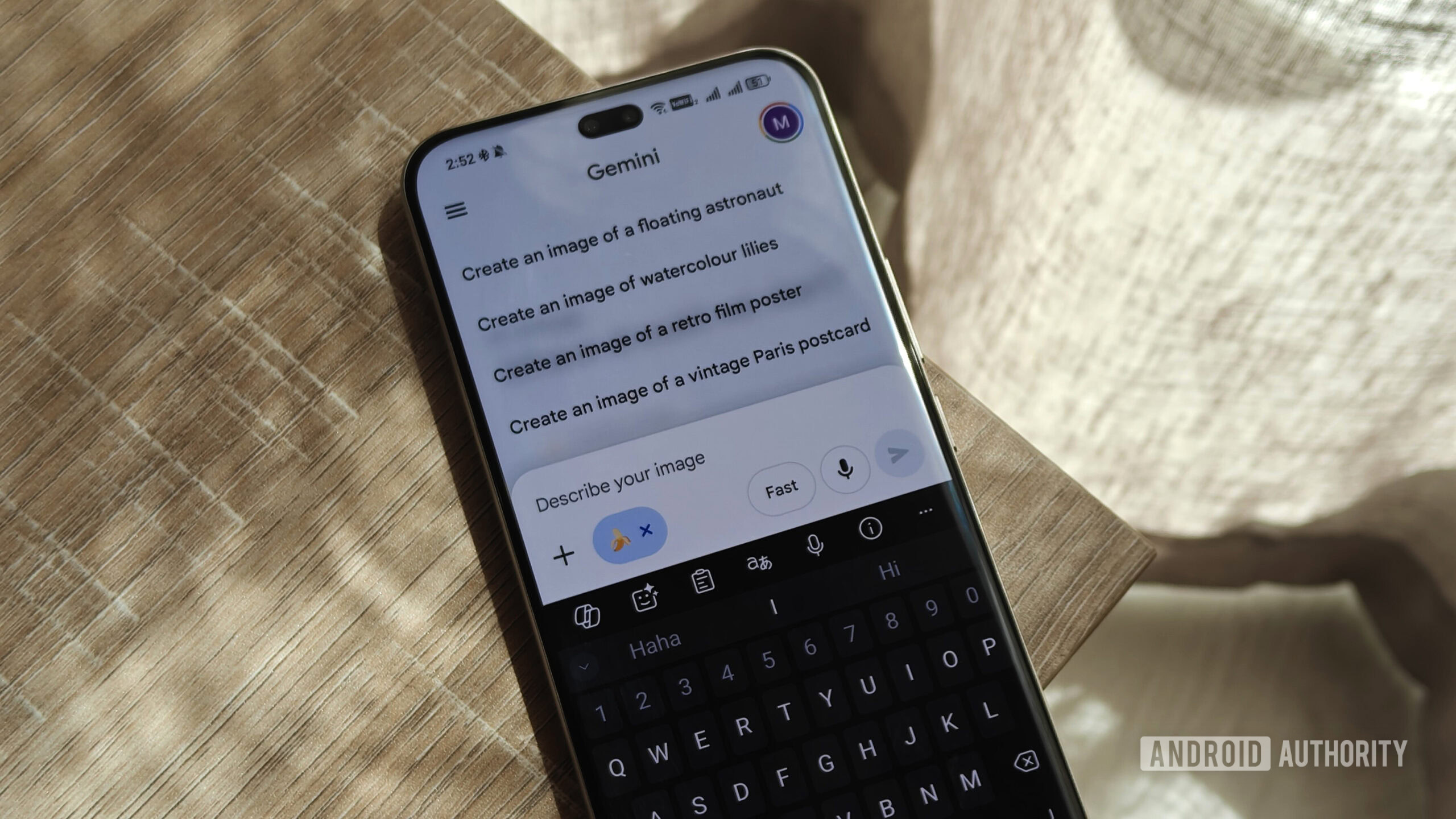
You’ll soon be able to describe Gemini image edits as you mark them up.

Spotify is rolling out a redesigned Wear OS app with swipe-based navigation, richer visuals, and quicker access to playback controls. The post Spotify’s Wear OS overhaul brings cleaner visuals and quicker controls to your wrist appeared first on Digital Trends .

Denis Villeneuve's "Dune" series concludes with "Dune: Part Three," out Dec. 18. Watch the trailer.
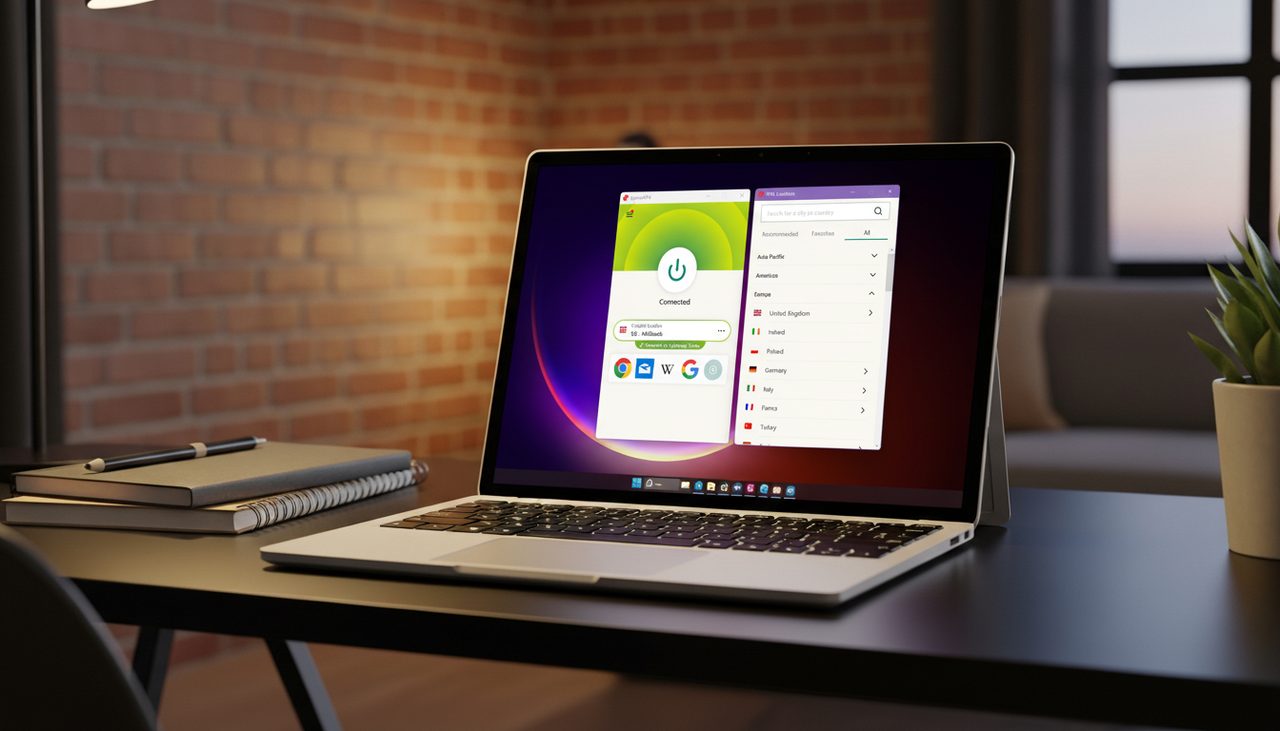
St Patrick's Day might be in full flow, but this record-low VPN deal is worth toast of its own

Brazil’s new Digital ECA law requires online providers to implement strict age verification. A massive surge in VPN usage suggests citizens are turning to encryption to protect their privacy.

As of March 17, shop early Dyson deals during the Amazon Bg Spring Sale.

We might not have had a proper Nintendo Direct in 2026 yet, but there have been plenty of Switch and Switch 2-related announcements in the last few weeks, including a release date for the Yoshi and the Mysterious Book , a surprise port of Kena: Bridge of Spirits and the final trailer for the imminent The Super Mario Galaxy Movie . But if you’re a Switch 2 owner who prefers to play your library of games in handheld mode, Nintendo’s latest announcement might be the one that interests you most. The company has released the 22.0.0 system update for its latest console , which brings with it a host of tweaks and improvements, the most notable of which being the introduction of "Handheld Mode Boost." If you’ve played any original Switch games that haven’t received next-gen patches in handheld mode on Switch 2, you might have noticed that they look a bit blurry and unappealing. That’s because they’re still rendering at 720p on the Switch 2’s larger 1080p display, so the image is being stretched to fit a screen it wasn’t designed for. Handheld Mode Boost doesn’t mean that all unpatched Switch games are now natively running at 1080p on Switch 2, but rather that the console is telling them to run in the original Switch’s docked TV mode — which was able to output at 1080p — on the handheld. Since launch this has seemed like the obvious workaround for Switch games, but it has taken nearly a year for Nintendo to implement it. You should see higher resolution visuals and, in some cases, better performance, as a result. When running original Switch games in Handheld Boost Mode (enabled via a toggle in the system menu) your Switch 2 will treat the attached Joy-Con 2 controllers as if they were a Pro Controller. This disables features like motion controls and touchscreen functionality, meaning some games won't work on the newer hardware with Handheld Boost Mode turned on. Eurogamer names Super Mario Maker 2 and The Legend of Zelda: Skyward Sword HD as two examples of games that aren't compatible at the moment. There are a number of other updates in version 22.0.0, including a new animation for loading a virtual game card, new GameChat features and more customization options in flight mode. The full list of patch notes can be found here. This article originally appeared on Engadget at https://www.engadget.com/gaming/nintendo/switch-2-software-update-adds-handheld-mode-boost-for-your-old-games-165451808.html?src=rss
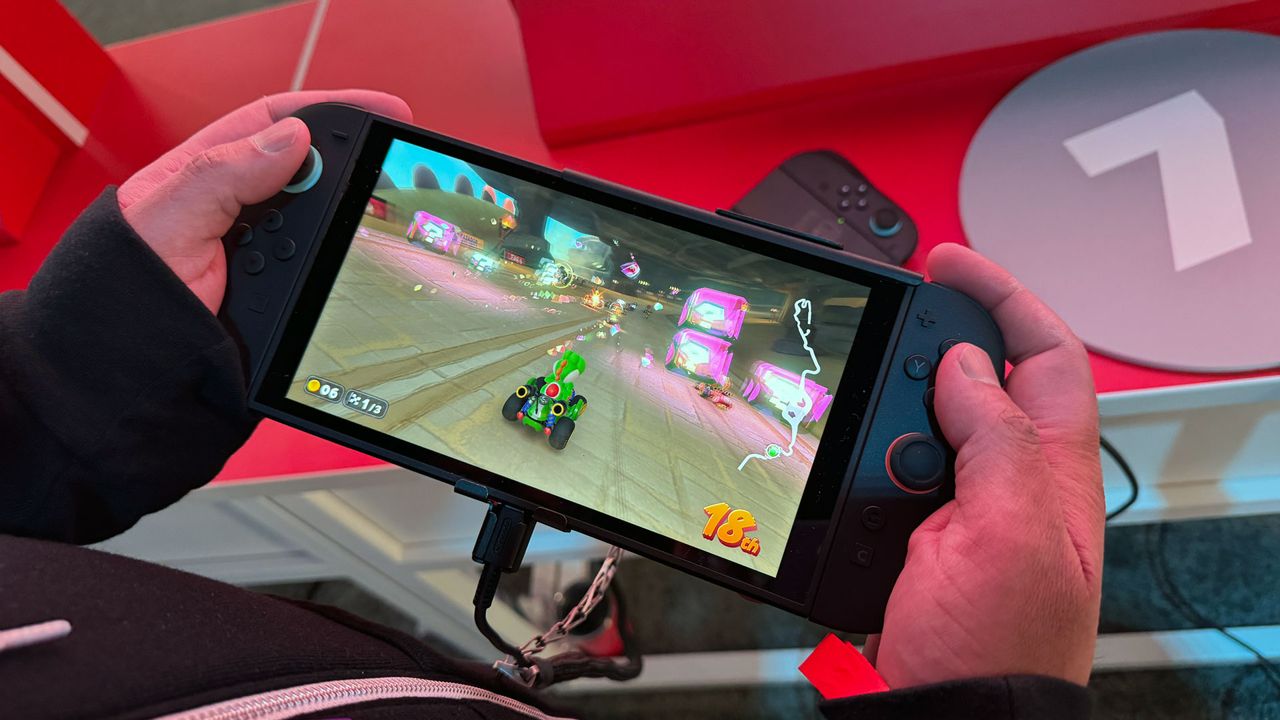
With the new Handheld Mode Boost feature, the Switch 2 can run games as if docked even in handheld mode, delivering better visuals and performance.

Pixelpaw Labs, a small hardware development team, has unveiled a new computer mouse called Phase that can split in half and be used as a pair of wireless game controllers. The design is held together by two magnets, and the two separate controllers feature joysticks, buttons, directional pads, and triggers, reports New Atlas . In mouse mode, Phase uses an optical sensor with up to 16,000 DPI and a polling rate of 1,000 Hz. It can be connected via Bluetooth or a 2.4 GHz dongle and paired with up to three devices simultaneously. The battery is said to last for around 72 hours on a single charge. Since the mouse needs to be splittable, it lacks a traditional scroll wheel—instead, it uses a capacitive touch surface that you can swipe to scroll. Pixelpaw Labs plans to fund the product via a Kickstarter campaign, where the price is expected to be around $159 for the mouse. Or you can put in a pre-order with a refundable $20 deposit, which will be credited to your Kickstarter pledge. (The pre-order unlocks an additional 15% launch discount and guarantees your place in line.) Deliveries are expected in late 2026 or early 2027. The company is also developing the Phasegrip accessory, which allows the controller halves to be attached around a mobile phone.

Galbot and researchers taught a robot how to play tennis without extensive training, and it could be a robots-in-sports game changer.

There's a whole IRL world out there looking to make a friend.
 Gizmodo
  Engadget
  Forbes Tech
  TechRadar
  Android Authority
  Digital Trends
  Mashable
  Tom's Hardware
  PCWorld