Russia says a crypto regulatory framework will come into force July 1, 2027; it will ban privacy coins like monero and cap retail investor purchases at ~$4K (Olivier Acuna/CoinDesk)

Russia says a crypto regulatory framework will come into force July 1, 2027; it will ban privacy coins like monero and cap retail investor purchases at ~$4K (Olivier Acuna/CoinDesk)

Olivier Acuna / CoinDesk : Russia says a crypto regulatory framework will come into force July 1, 2027; it will ban privacy coins like monero and cap retail investor purchases at ~$4K —  What to know: … The head of Russia's lower house of the country's parliament on Thursday said crypto market regulations …

Nvidia’s GeForce Now arrives on Linux with up to 360Hz streaming

Nvidia’s GeForce Now arrives on Linux with up to 360Hz streaming

Nvidia might be driving up the cost of PC gaming to fuel the ever-hungry gullet of the “AI” boom, but at least it offers a somewhat affordable alternative to expensive GPUs. GeForce Now is a great choice for game streaming, if you have a good internet connection and a beefy Steam library. Today Linux gamers get in on the action with a native GeForce Now app. Linux gamers could already access GeForce Now via just about any browser, and it reportedly worked pretty well, so long as you could get a controller to cooperate when necessary. (Ditto for Windows, Mac, and Chrome.) But a dedicated app should be a little smoother and more stable, especially if you’re hoping to take advantage of its maximum limits. Previously the Linux browser version was capped at 1200p and 90hz, but the dedicated app can hit 5K resolution at 120Hz, or up to 360Hz if you scale it down to 1080p. Presumably both of those need the $20 a month Ultimate tier. Nvidia says the app is designed for “PCs and notebooks,” pointedly leaving out the Steam Deck and its Linux-derived SteamOS. That’s because there’s already a dedicated GeForce Now app for the Steam Deck. There are also dedicated apps for the Asus ROG Ally, Lenovo Legion Go, and MSI Claw .

A new era for smart lawns: How Mova LiDAX Ultra series blends autonomy with excellence

A new era for smart lawns: How Mova LiDAX Ultra series blends autonomy with excellence

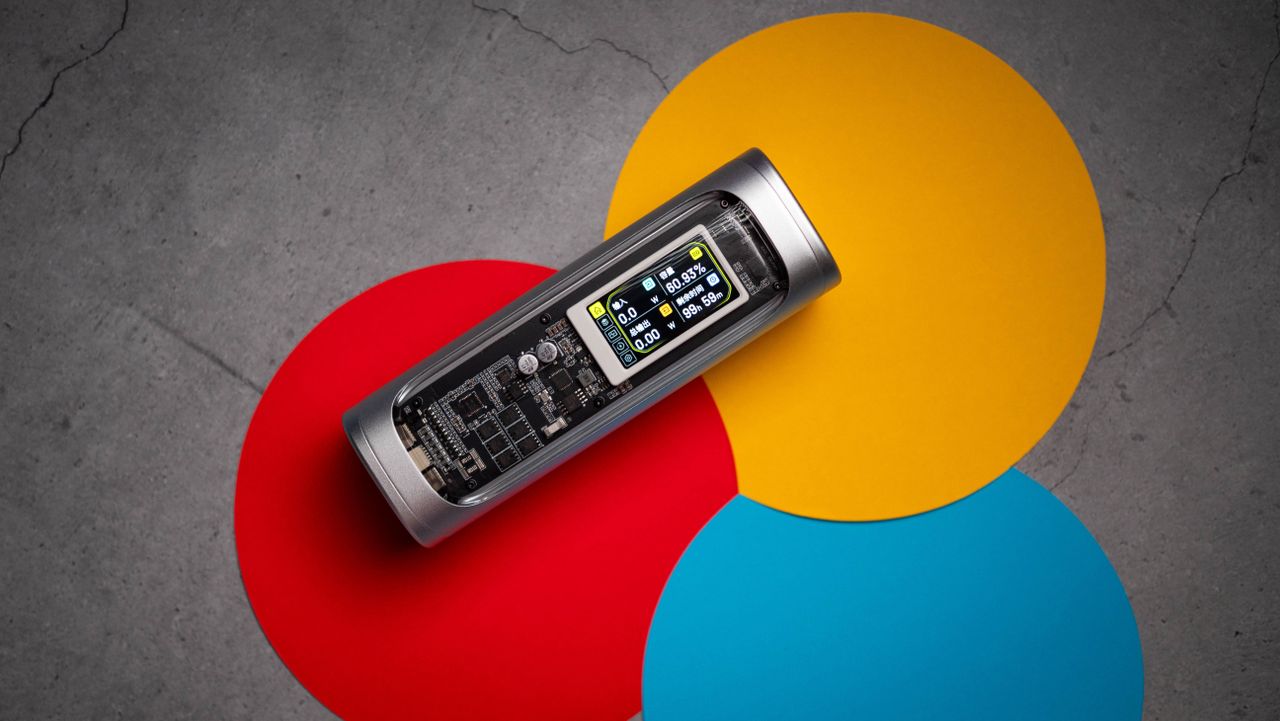
When robotic mowers arrived on the scene, they promised a future where you could just set them up and forget, as the machine took care of your lawn. That didn’t quite pan out. Caring for a lawn is a tedious chore that involves plenty of noise, labor, and lost hours. And let’s not forget, even […] The post A new era for smart lawns: How Mova LiDAX Ultra series blends autonomy with excellence appeared first on Digital Trends .

Beware! That Microsoft email is genuine, but it’s also a scam

Beware! That Microsoft email is genuine, but it’s also a scam

Microsoft users are reporting a particularly difficult-to-detect scam: phishing emails sent from a genuine Microsoft email address that’s classified as “trustworthy” by the company itself. The emails appear to be official, but they’re demanding high-value payments and leading victims straight into a scam trap. Beware of scam emails from an official Microsoft email address The scam emails are being sent from no-reply-powerbi@microsoft.com , which is a genuine Microsoft email address that’s used for notifications for Power BI (an analysis and collaboration tool). On this support page , Microsoft even explicitly recommends allowing this sender email address to bypass your spam filter so that important system messages aren’t blocked. Cybercriminals are now exploiting this trust. The scam emails allegedly bring up unauthorized charges (via Ars Technica ), usually in the amount of $400 to $700 USD. To stop the supposed payment, recipients are asked to call a specified telephone number as quickly as possible—a classic pressure tactic to provoke hasty reactions and one of the biggest red flags of a phishing scam email . Anyone who dials the number gets connected to someone who’s impersonating an Microsoft employee. They ask the recipient to install remote maintenance software to fix the problem. In reality, this gives the scammer complete access to the vicitm’s computer, allowing them to spy on activity, steal data, and even install further malware. In other words, the actual scam doesn’t take place via email but during the telephone conversation afterwards. This makes it considerably more difficult for spam filters to detect automatically. How scammers are misusing Microsoft Power BI to trick victims The whole phishing attack is made possible by a legitimate feature of Microsoft Power BI. When creating a dashboard, any email address can be added as a participant. Power BI then automatically sends a notification to those addresses via the official Microsoft address. The crucial point, though, is that the content of this notification email can be freely defined. Cybercriminals therefore only need valid recipient email addresses to send deceptively genuine payment alerts. Although the email technically comes from Microsoft, the text is completely controlled by the attackers. The actual indication that this is merely an invitation to a Power BI dashboard is only at the end of the message—very easy to overlook or miss. Security researchers point out that this method is particularly effective because it doesn’t contain any malicious links or attachments, plus the sender domain is considered trustworthy. Most of the reports so far have come from the US. However, it’s likely that this will spread to other regions, as similar attempts at abuse have been seen on other large platforms in the past. What you should do To stay safe, remain particularly vigilant against phishing scams: Double-check all payment requests carefully, even if the sender’s email address appears to be genuine. Read the email completely from start to finish. Don’t call any telephone numbers from unsolicited emails. Never install remote maintenance software when requested by a support team, especially over email or telephone. Only settle outstanding invoices via your official Microsoft account or through verified support channels. As a general rule, Microsoft doesn’t contact users by phone or remote access to request payment for unauthorized charges.

A Waymo robotaxi struck a child near a school

A Waymo robotaxi struck a child near a school

Waymo said one of its robotaxis struck a child, who sustained minor injuries. The incident took place in Santa Monica, California, on January 23. The company reported it to the National Highway Traffic Safety Administration (NHTSA), which has opened an investigation . The agency said the incident occurred close to a school within regular drop-off hours, with other children and a crossing guard nearby. The child ran from behind a double-parked SUV into the path of a Waymo Driver. Waymo said its vehicle detected the child immediately as they emerged and that the robotaxi braked hard to lower its speed from around 17 mph to under 6 mph at the time of impact. Waymo said the child stood up immediately and moved to the sidewalk. The company contacted emergency services and the vehicle remained stationary at the side of the road until law enforcement allowed it to leave. The NHTSA's Office of Defects Investigation will examine whether the Waymo Driver used appropriate caution given that it was close to a school during drop-off hours and children were close by. The probe is expected to look at the intended behavior of the vehicle's automated driving systems around schools (particularly during regular pick-up and drop-off times) and Waymo's response to the incident. On the day that the incident took place, the National Transportation Safety Board opened an investigation into Waymo over its vehicles improperly passing school buses in Austin, Texas. Last month, the company carried out a voluntary software recall (i.e. it updated its systems) after the NHTSA opened an investigation into Waymo vehicles allegedly driving past stationary school buses in both Austin and Atlanta. This article originally appeared on Engadget at https://www.engadget.com/transportation/a-waymo-robotaxi-struck-a-child-near-a-school-152446302.html?src=rss